
EdTech AI
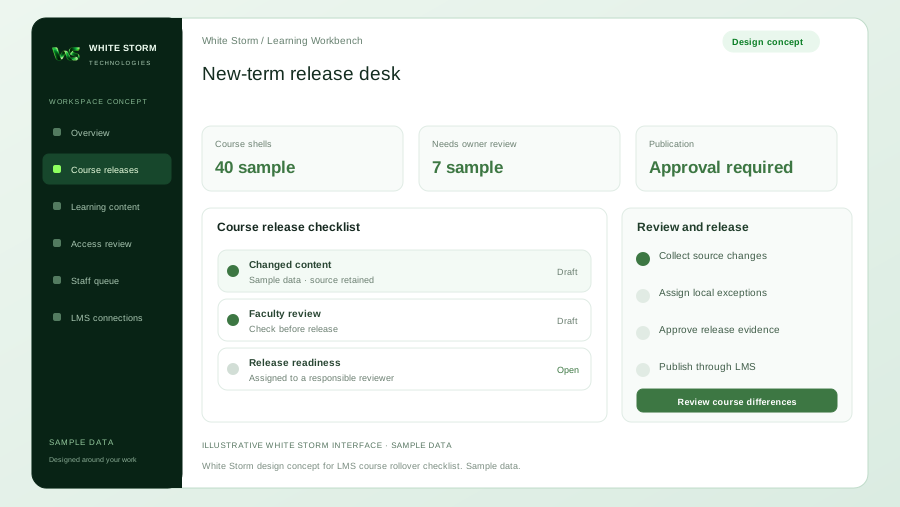
Forty Course Copies, One New Term: A Release Desk for LMS Content Rollover
Plan a course rollover review desk that connects copied LMS content, local exceptions, owner approvals, and release evidence before the next intake.
Read articleEdTech & AI Learning
White Storm Technologies helps connect a scoped AI learning tool to the environment your educators and learners already use. We assess the LMS, available interfaces, and access model before designing the connection. Depending on the platform, the project may use supported APIs, an embedded experience, or Learning Tools Interoperability (LTI) where suitable.
 YOUR GOALS. OUR EXPERTISE.
WHO WE HELP
For LMS owners, institutions, EdTech engineering teams, and training platform operators.
A separate AI application can ask learners to switch accounts, repeat course information, or search outside the approved material. Integrating it poorly can also expose more course or learner data than the task needs. A useful LMS connection gives the tool the appropriate context while respecting platform roles and maintaining an understandable experience.
WHAT WE DELIVER
A map of the platform version, supported interfaces, required roles, course data, and deployment constraints. We identify what can be connected and which features require additional platform approval or configuration.
The agreed launch experience, content connection, and identity or course context needed for the use case. LTI or API-based work is selected around actual platform capabilities; certification is not implied.
Tests across agreed learner and educator roles, permission and error cases, and setup documentation. We document how content updates, configuration changes, and integration failures are handled.
ILLUSTRATIVE WORKFLOW
Review the LMS version, administrator access, vendor documentation, test environment, and desired user journey. Establish which information the AI tool needs and which information it should not receive.
Build the agreed launch, identity, and content flows in a test environment. Keep permissions and exchanged data aligned with the chosen learning or teaching task.
Test representative courses, user permissions, missing content, expired access, and platform errors. Hand over configuration and recovery guidance to the LMS owner.
A CLEAR STARTING POINT
We assess access, supported APIs, and suitability during discovery. These tools are options to evaluate for your project.
Illustrative example: launch a course tutor inside an LMS
A training organization could add a tutor entry point to a selected course. The integration would provide agreed course context and use approved lesson material, while limiting access according to the platform's available roles. Administrative staff would receive setup instructions and a route for handling launch or permission failures.
BEFORE WE BEGIN
Feasibility depends on the platform, version, hosting arrangement, permissions, and supported interfaces. We assess those details before committing to a particular connection or feature.
LTI is a standard for connecting external learning tools with learning platforms. It may suit a launch and context-sharing use case when both systems support the required version and configuration. We assess it alongside the platform's other integration options.
Those functions require specific platform capabilities, permissions, and an agreed purpose. They are scoped and reviewed separately; connecting a learning tool does not automatically grant gradebook or assessment access.
Yes, if the tool and LMS expose suitable interfaces and the necessary permissions are available. We review the existing application's architecture, authentication, and data requirements before defining the work.
WHITE STORM INSIGHTS
EdTech AI
Plan a course rollover review desk that connects copied LMS content, local exceptions, owner approvals, and release evidence before the next intake.
Read article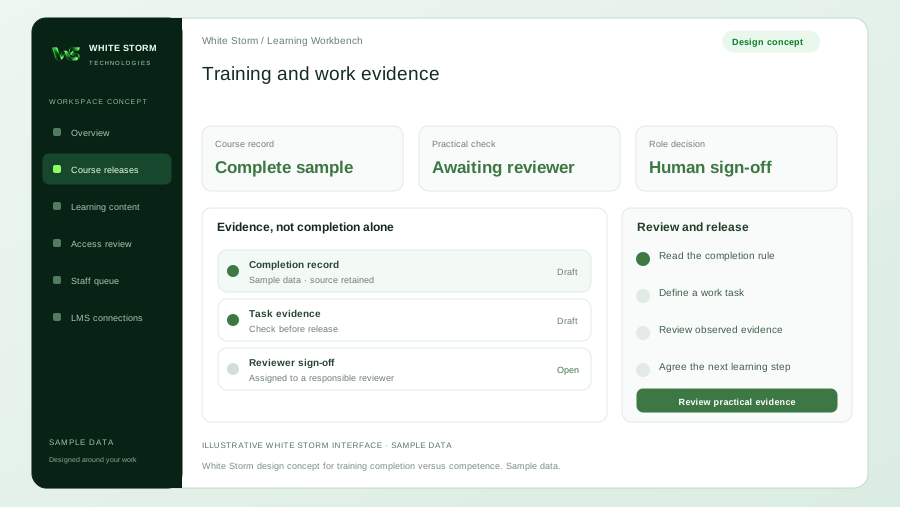
EdTech AI
Plan practical task checks and supervisor reviews alongside course-completion records to identify where staff need further training.
Read article
EdTech AI
Define a Moodle AI integration around your installed version, course permissions, content lifecycle, learner experience, and testable delivery scope.
Read articleLET'S START WITH YOUR GOAL
Tell us about your team, current systems, and the outcome you need.