Begin with the installed Moodle environment
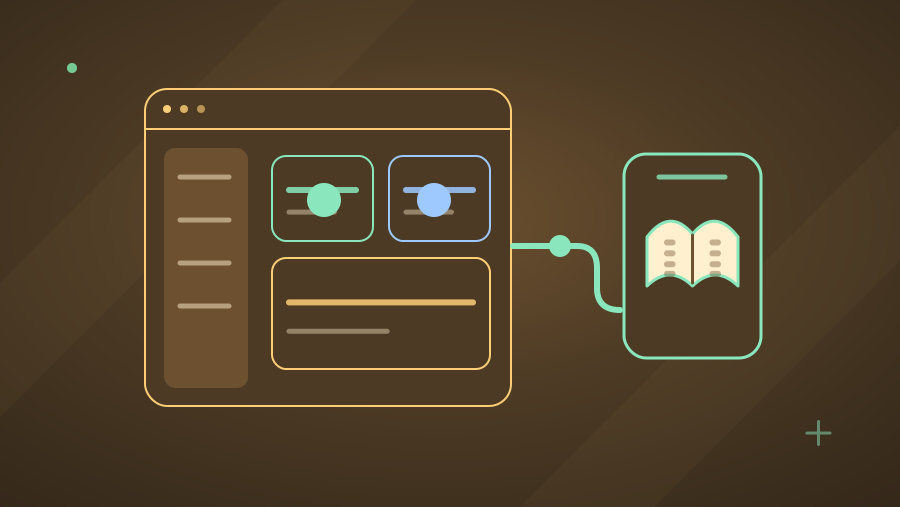
Start discovery with the exact Moodle version, hosting arrangement, authentication method, relevant plugins, and upgrade plans. Identify who administers the site and who can authorise development access. A supplier cannot responsibly choose an integration route from the platform name alone. An institution may have constraints on plugin installation, external services, or the use of a separate application.
Describe one initial journey in ordinary language: a student opens a course, selects an assistant, asks about an approved topic, and receives help with a route back to teaching staff. List the information needed at each step. This connects implementation decisions to a useful outcome and prevents an integration project from turning into an unbounded list of possible AI features.
Understand the native integration concepts
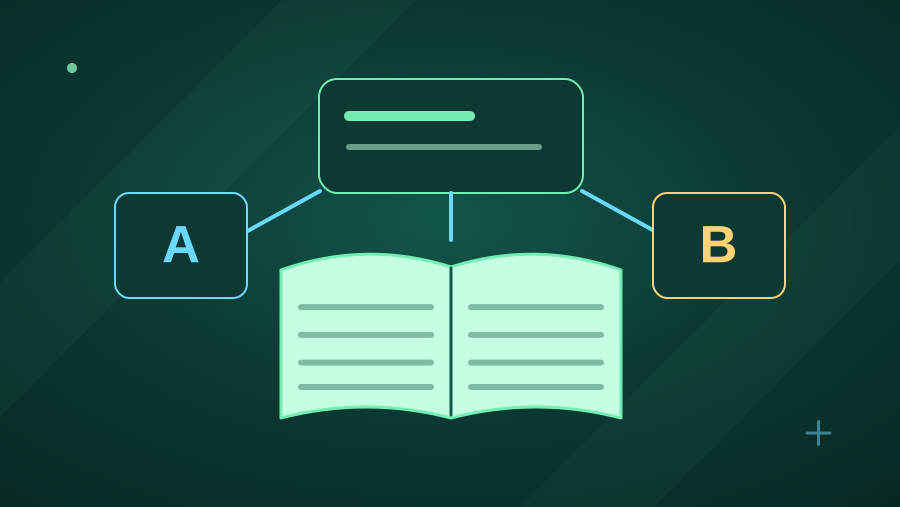
Moodle documents an AI subsystem built around placements, actions, and providers. Placements determine where a user encounters AI functionality, while provider plugins connect to an external AI service. The available actions and user access depend on configuration, context, and capabilities. Check the documentation for the installed release because features and implementation details can differ.
Use those concepts to ask concrete design questions. Where should the assistant appear? Which course context should it receive? Who can enable it? Does the proposed capability fit the existing subsystem, require a custom placement or plugin, or work better as a separately launched tool? Ask the delivery team to document the reason for the chosen route and the maintenance implications.
Separate course access from content retrieval
A course-aware assistant needs more than a course identifier. It needs rules about which pages, files, sections, and versions it may use. Confirm how enrolment changes, hidden resources, teacher-only material, and restricted activities affect the assistant's content access. Do not assume that a separately created search index automatically follows every permission change made in the LMS.
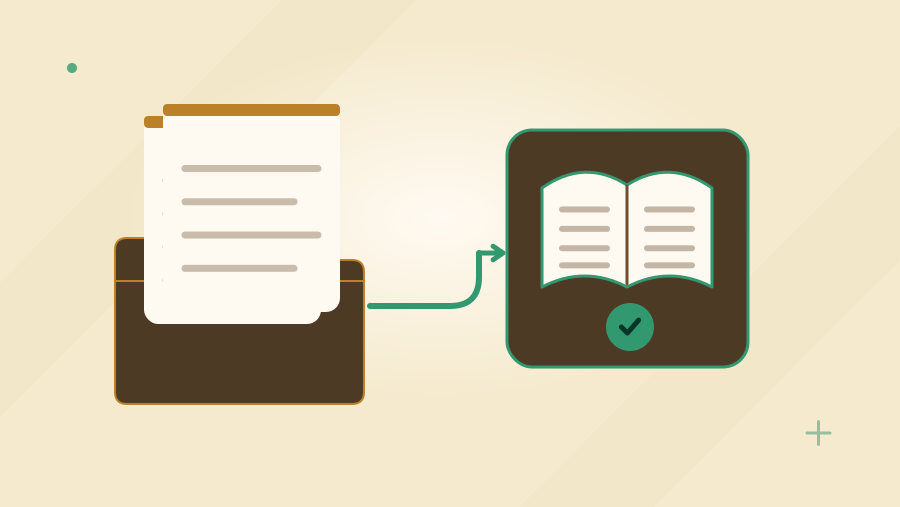
An illustrative pilot might use only a teacher-approved revision folder from one course. The integration could check access when the assistant opens and revalidate it when content is retrieved. If a student leaves the course, the next interaction should not continue exposing indexed material. Make this a test case and include the handling of cached results and previously stored conversation context.
Map the data flow and content lifecycle
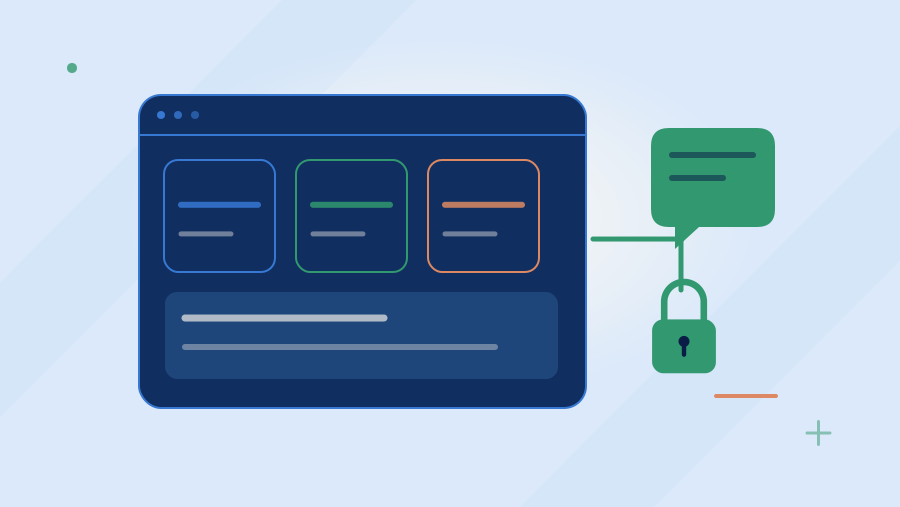
Draw the flow from Moodle to the assistant, the model provider, and any indexing or logging service. Identify what leaves the LMS, whether it includes personal information, where it is retained, and who can change that configuration. Institution IT and privacy stakeholders should review the actual design rather than rely on a generic assurance about AI security.
For each source collection, name the owner and update trigger. Decide whether a published course edit takes effect immediately or only after approval. Record extraction failures for scanned files, tables, or equations so those resources are not silently treated as usable. Define how deleted or superseded resources disappear from the assistant's searchable material and how the team verifies that removal.
Test realistic roles and failures
Create separate teacher, student, and administrator test cases in an appropriate environment. Include users enrolled in different courses, hidden resources, expired access, unavailable providers, and questions outside the pilot unit. Verify that the assistant returns an understandable response when a dependency fails and does not invent a course answer to fill the gap.
Also inspect the complete interface with keyboard navigation, common mobile layouts, and relevant assistive technology. A technically successful API call does not establish an accessible learning journey. Moodle upgrades and plugin changes should trigger a review of affected tests. Preserve a short regression set that staff can repeat when content, permissions, or model configuration changes.
Define a maintainable delivery package
A custom Moodle project should hand over configuration notes, permission decisions, content-update instructions, evaluation evidence, and a recovery procedure. Agree whether the institution, its hosting provider, or the development partner maintains each component. Include the ability to disable the assistant while ordinary course access continues.
- Confirm the installed release and administrator responsibilities before selecting an architecture.
- Choose a limited course-content boundary and test enrolment and visibility changes.
- Review provider data flows, logging choices, accessibility, and unavailable-service behaviour.
- Accept the pilot against complete user journeys before adding more courses or actions.
Sources & further reading
Primary references checked for this article. Practical examples are illustrative, not client results.
Apply this to your project.
Discuss connecting AI learning tools to your LMS, including course access, approved content, and staff-controlled updates to learning records.
Explore LMS AI Integration