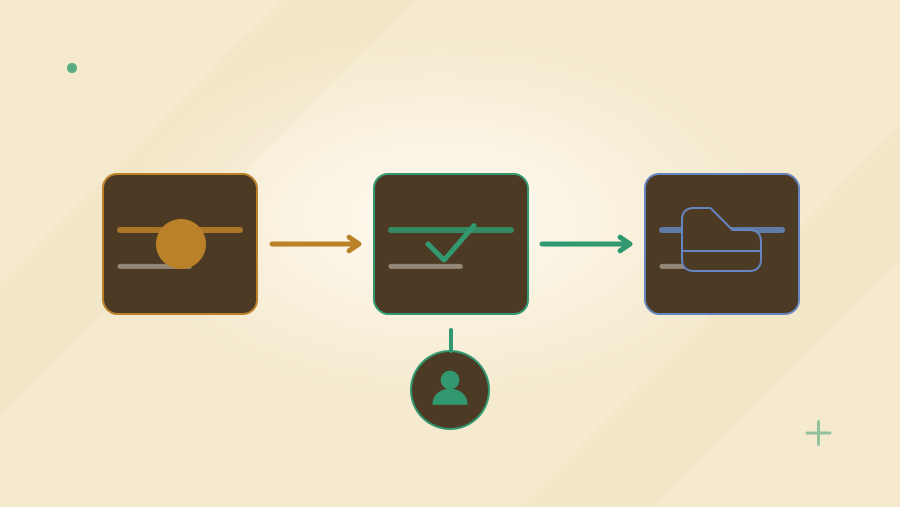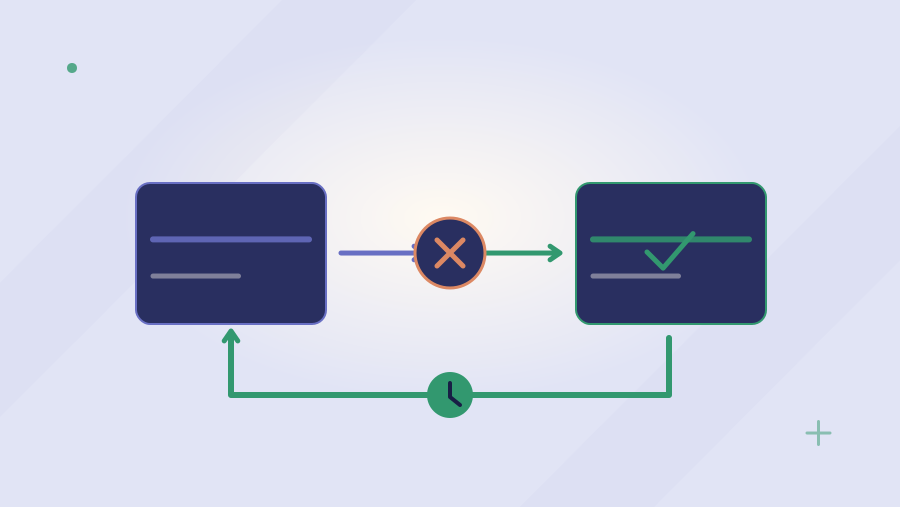
When a start date moves, access activation, equipment delivery, and manager instructions may need different changes. Use the approved HR record to identify what must be rescheduled, what has already happened, and who needs to act next.
HOW WHITE STORM WOULD APPROACH IT
A design you can explore.
Illustrative White Storm project concept with sample records; not a live product or client implementation.
Interactive design concept with sample data. This illustrates a possible project; it is not a delivered client system or an available AI product.
 WHITE STORMOperations Desk
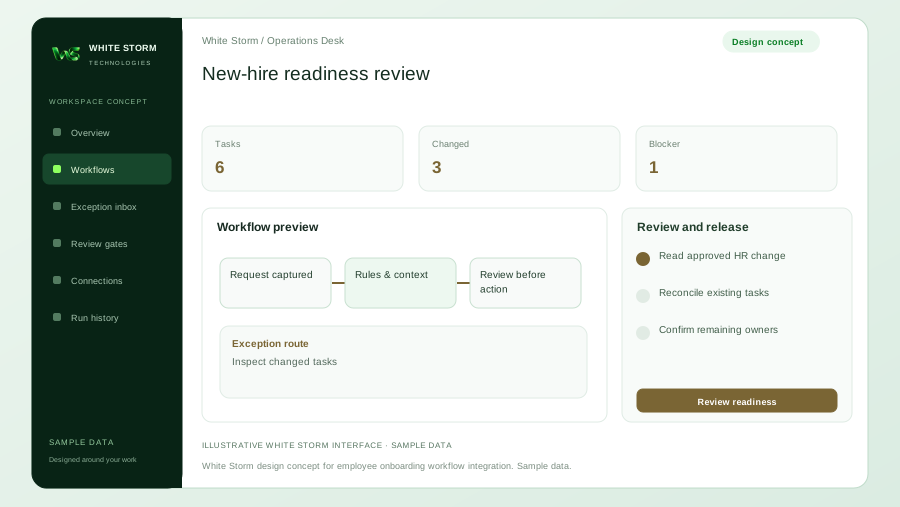
New-hire readiness review
The approved start date changes after equipment shipment but before access activation
Read approved HR change
Inspect changed tasks
Inputs, tool access, exception handling and acceptance criteria would be agreed with your team before implementation.
Estimate time and cost for your workflow
These editable figures are an illustrative scenario, not a White Storm quote or a forecast. Assisted work, review and expected rework are counted separately.
Enter all costs in the selected currency. Changing the label does not convert amounts.
At the illustrative defaults: 25 hours of monthly capacity, INR10,000 of capacity value after running costs, and an eight-month indicative recovery period.
Time capacity is not guaranteed cash savings. Real benefit depends on workload, quality, redeployment, integrations, licences, hosting, model use and maintenance. A negative result can favour a simpler configured solution.
Hours = monthly cases × (current − assisted − review − rework minutes) ÷ 60. Value after running costs = hours × loaded hourly cost − monthly running costs. Recovery = one-off costs ÷ positive monthly value.
A changed start date can leave four different plans
HR moves a new employee's start date, but the equipment task, welcome message, access request, and manager checklist still use the original date. Each individual automation may have run successfully. The failure is a missing shared change process. The requirement is to propagate an approved employment change to the relevant tasks while showing what can no longer be reversed automatically. A new employee should not receive contradictory instructions, and a completed equipment shipment should not be represented as cancelled because a date field changed.
Identity platforms already automate employee lifecycle work
Microsoft Entra documents configurable lifecycle workflows and templates for joiner, mover, and leaver tasks. Existing HR and identity capabilities should form the starting point. A custom assistant may help coordinate a separate equipment system, collect missing manager inputs, or present cross-system readiness. It should not replace identity controls or infer employment status from an informal message. The proposal needs to identify the authoritative HR event and the handoffs that remain unsupported after available configuration has been considered.
Provide the approved HR and task model
The client should supply HR event definitions, employee identifiers, manager ownership, access packages, equipment rules, and examples of moved or withdrawn hires. Identify which source establishes that a hire is approved and which date is authoritative. Decide what information equipment and facilities teams actually need, keeping sensitive employment documents out of broad task lists. Include contractors and remote workers if they are in scope. The project must also establish who resolves a missing manager, a disputed start date, or a request for access beyond the standard role.
Follow a hire moved by one week
In an illustrative example, an approved employee start date moves after a laptop has shipped but before account activation. The concept screen would show the shipment as completed, access activation as rescheduled, and the manager briefing as needing review. It could prepare revised instructions for an authorised owner to check. It would not mark all tasks undone or recreate the entire onboarding pack. A withdrawn hire would follow a separate agreed process, because postponement and cancellation have different implications for accounts, equipment, and communication.
Bring changed onboarding tasks into one review view
White Storm could connect the approved HR record to existing identity and task systems, preserving stable employee and task identifiers. Deterministic rules would compare the current approved event version with pending actions. AI could summarise missing inputs or draft an internal readiness brief, without deciding employment status or access entitlement. The design should record which tasks were adjusted, which were already completed, and which require a person. A partial update must remain visible so the onboarding owner can resolve the remaining system rather than assume everything moved together.
Test real readiness, not a single completion percentage
Acceptance scenarios should include date changes, manager changes, a missing address, delayed equipment, an absent identity administrator, and a hire withdrawn after partial setup. Confirm that repeated HR events do not create duplicate tasks or accounts. Test access scheduling in the relevant time zone and document the treatment of a failed activation. Reviewers need a named owner for each blocker and a useful next step. A readiness dashboard should not declare the employee ready simply because all automated requests were submitted; completion evidence must reflect the actual task outcomes.
Prefer supported lifecycle configuration where possible
Configure the existing HR, identity, and task tools when they can represent the agreed change rules. Consider a shared review dashboard where staff repeatedly have to reconcile inconsistent task states across those systems. Ask a supplier to demonstrate a moved start date after an irreversible action, not only a straightforward new-hire flow. The handover should include event mappings, ownership, permission boundaries, and recovery guidance. This article describes an illustrative service engagement; it does not claim White Storm operates a live HR platform or can replace an employer's approval responsibilities.
Price the complete operating workflow
Measure coordination work across HR, the manager, IT, and equipment teams. Keep necessary access approval and employee support in the proposed operating cost rather than counting them as removed.
Planning example only, not a quotation or forecast: assume 65 items each month, 45 minutes of current handling per item, 18 minutes of proposed human review per item, and another 30 minutes of rework for 10% of items. The difference is about 26.0 staff hours per month. At an assumed USD 40 per staff hour, that represents about USD 1040 of capacity before operating costs. These invented inputs demonstrate the calculation; measure your own volumes, handling times, exception rate, and labour cost before making a purchasing decision. Released capacity is not automatically a payroll saving.
Include HR event mapping, identity configuration, equipment integration, and manager testing in the delivery estimate. Operating costs cover HR and identity licences, connector usage, model briefings if used, human access approval, and resolution of blocked tasks. Reserve maintenance for role packages, equipment rules, and changed HR fields. Compare those costs with existing lifecycle templates before commissioning a coordination layer. The handover should explain how postponed and withdrawn hires differ and how completed physical tasks remain recorded. A submitted setup request must not be counted as confirmed employee readiness.
Sources & further reading
Research reviewed on 17 October 2026. Platform capabilities depend on version, plan and configuration. Primary references checked for this article. Practical examples are illustrative, not client results.
Apply this to your project.
Talk to us about coordinating employee arrivals and departures, access, equipment, and outstanding tasks across your systems, with clear ownership and confirmation of completed actions.
Explore Business Process Automation