Choose the learner journey before the connection
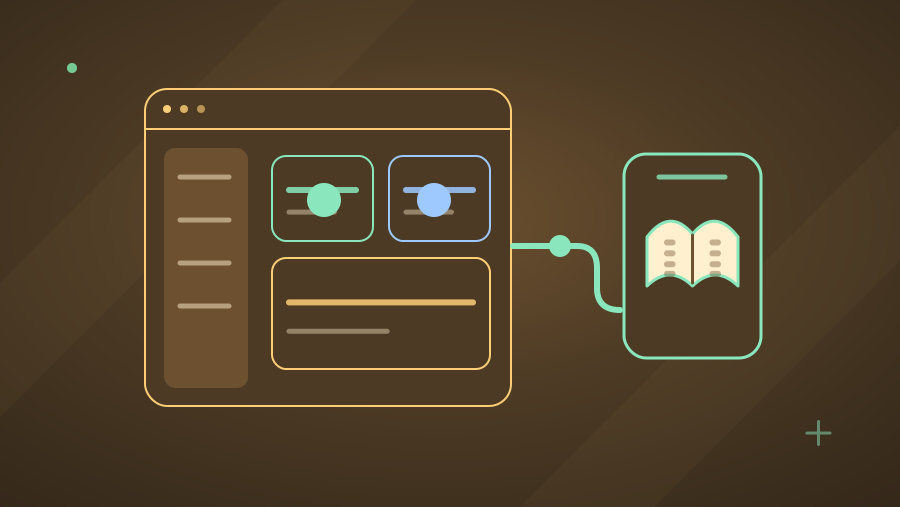
A Canvas AI assistant may help learners navigate approved course material, practise a concept, or find a student-service answer. Describe the intended task and the minimum information it needs. An assistant that explains a course handbook has a different integration boundary from a tool that reads submissions or proposes changes to grades. Keep those actions distinct in the project scope.
Identify the Canvas administrator, teaching owner, and technical owner early. Confirm the institution's test environment and approval process for new tools. Ask whether the assistant should open from course navigation, an assignment, or a linked resource. The placement shapes the context available to the tool and the experience staff and students will need to evaluate.
Distinguish LTI launch from API access
Learning Tools Interoperability provides a standard way to connect learning platforms and external tools. LTI Advantage includes capabilities such as deep linking and selected services for roles or grades. Supporting an LTI launch does not automatically mean a tool needs every available service. Request only the capabilities required for the agreed workflow.
Canvas API access is a related but separate design decision. Instructure documents OAuth2 and developer keys for authorised access to API endpoints. Ask the implementation team to show which operations use launch information, which need an API request, and which are not required at all. This avoids treating a broad API credential as a substitute for a deliberate integration design.
Request the narrowest useful access
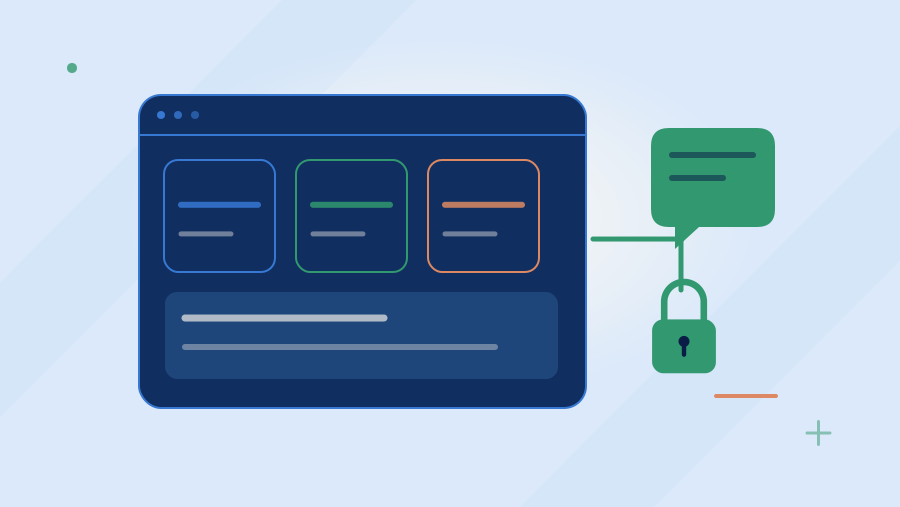
Canvas developer-key scopes allow administrators to restrict accessible API endpoints. A scoped key still needs a thoughtful application design: identify which user is authorising access, which institutional account is involved, and what the assistant may do with returned information. Keep secrets and tokens out of browser-visible pages, shared documents, and ordinary support logs.
An illustrative first pilot could open from a course and retrieve approved course pages while excluding grades, private submissions, and message sending. The scope table should list each requested endpoint, its business purpose, and whether it reads or writes data. If a supplier requests an additional permission later, the change should be explainable as a new requirement and tested accordingly.
Keep course and user boundaries visible
Explain how the assistant maps a launch to the correct course, institution, and user role. Test two courses with similar names and distinct source material. A student's access in one course should not imply access to another course's content collection. Teacher-only resources and unpublished materials require explicit handling, particularly if the assistant maintains a separate search index.
Decide what happens when enrolment, publication state, or staff permissions change. A cached conversation or indexed document should not become an alternate route to material a user can no longer access. The project should describe revalidation, cache handling, and removal behaviour. Use sanitised test materials to verify the boundary instead of exposing actual private coursework during early development.
Evaluate failures as complete journeys
Include expired or revoked access, a disabled developer key, a missing course resource, an unavailable model provider, and a failed launch in the pilot test set. The assistant should explain the immediate next step and offer a support route. It should not ask students to paste credentials into the conversation or fabricate a successful action when a connector has failed.
Check accessibility and mobile behaviour in the actual launch context, including any embedded frame or new window. Have teaching staff review source-linked explanations and students review whether the interface makes the learning task easier to complete. A successful integration test and a useful instructional experience are different findings; the acceptance record should capture both.
Agree handover and change responsibilities
A custom delivery package should identify tool registration settings, requested scopes, content ownership, token lifecycle handling, evaluation results, and the steps to disable access. Instructure's OAuth guidance distinguishes testing tokens from the OAuth flow expected for applications used by multiple users. Follow the documented production approach rather than building a manual-token collection process.
White Storm Technologies can scope Canvas integration as a defined project around the institution's workflow. Bring representative course content, proposed user journeys, and an administrator contact to discovery. The resulting plan should show required access, acceptance evidence, and operational responsibilities before expanding into additional courses or write actions.
Sources & further reading
Primary references checked for this article. Practical examples are illustrative, not client results.
Apply this to your project.
Discuss connecting AI learning tools to your LMS, including course access, approved content, and staff-controlled updates to learning records.
Explore LMS AI Integration